
Create a QR code for a website, Wi-Fi network, contact or event. Customize the look and download a scan-ready PNG, JPG or SVG.
This check identifies common design risks, but cannot guarantee scanning. Test the downloaded QR code at its intended physical size.
Create custom QR codes for websites, Wi-Fi, contacts, messages and events. Customize colors, add a center logo to PNG/JPG files, or export a crisp, logo-free SVG QR code.
Free QR Code Generator & QR Code Creator
Looking for a free QR code creator or a simple online QR code maker? Use the STLPlayground QR Code Generator to create a custom QR code for a website, contact, Wi-Fi network, text message, email, or calendar event. Choose what your code does, adjust the colors, and download your design as PNG or JPG with an optional center logo, or as a clean vector-only SVG QR code. The QR code is generated in your browser, making it easy to create artwork for printed signs, product inserts, classroom materials, events, and other creative projects. You can sign up for a free STLPlayground account and receive free credits to get started; certain downloads or actions may use credits according to the current site policy.
How to Create a QR Code Online
- Choose a content type. Select Website / URL, Plain Text, Email, Phone, SMS, Wi-Fi, Contact (vCard), or Calendar Event.
- Enter the details. Fill in the fields for your selected QR code type. For websites, include the full HTTPS address.
- Customize the appearance. Choose foreground and background colors, error correction, and the clear margin around the code. The preview provides guidance about low contrast or unusually dense codes.
- Add a logo if needed. Use the STLPlayground logo or upload your own image for PNG or JPG output. SVG exports always omit center images so the QR geometry stays fully vector.
- Download and test. Choose SVG for clean vector QR modules, or PNG/JPG to retain a center logo. Scan the exported file on more than one device before printing or sharing it.
Make QR Codes for Websites, Wi-Fi, Contacts, and More
- Website QR code: Send visitors to a website, online menu, product page, portfolio, or event information.
- Wi-Fi QR code: Help guests connect to a wireless network without typing the network details manually.
- Contact QR code: Share a name, organization, telephone number, email address, and website through a vCard.
- Email, phone, and SMS QR codes: Help someone start a message or call using a compatible phone and scanning app.
- Calendar event QR code: Share event details for compatible calendar applications.
- Plain text QR code: Store a short instruction, identifier, or other readable text directly in the code.
Different phones and QR scanner apps may handle contact, messaging, Wi-Fi, and calendar formats differently. Always test the output with the devices your audience will use.
What Can You Do with an Online QR Code Creator?
A QR code creator turns a website link or another supported piece of information into a scannable square pattern. You can make a QR code for product packaging, business cards, event posters, printed instructions, classroom handouts, restaurant signs, Wi-Fi guest access, or digital materials. This QR code maker supports common content types without requiring you to design the pattern by hand.
For business or personal projects, start with the destination and test it before sharing. QR codes created here are static: they encode the supplied content and are not hosted links that you can change later from an STLPlayground dashboard.
QR Code Maker with SVG, PNG, and JPG Downloads
Use SVG when you need crisp, scalable QR modules for layout, vector editing, laser cutting, or a design workflow that supports SVG artwork. Choose PNG for lossless raster graphics on websites, documents, or printed labels. Choose JPG when you need a widely supported raster image format. You can adjust the raster export resolution for PNG and JPG files.
Important: SVG exports do not include center images. SVG contains the complete QR pattern as scalable vector shapes, without a logo or an empty patch where the logo appeared. Choose PNG or JPG to preserve the STLPlayground logo or your uploaded center image. The live preview changes to match your selected export format.
Tips for QR Codes That Scan Reliably
The generator flags some common design risks, including low contrast, dense QR patterns, and large logos. These are design checks rather than proof a QR code will scan. Test the downloaded output at the size and on the surface where it will be used.
- Keep strong contrast. Dark QR modules on a light, solid background are usually the safest choice.
- Preserve the quiet zone. Leave at least four clear QR modules of empty space around all sides of the pattern.
- Use short destinations when practical. Shorter encoded data can produce a less dense QR code that is easier to reproduce at small physical sizes.
- Use high error correction with center images. The High (H) option adds redundancy, but it does not guarantee that a heavily covered or very small QR code will scan.
- Test the final physical design. Scan at the actual printed size, from realistic distances, with ordinary smartphone cameras before producing multiple copies.
Use a QR Code in a 3D Printing Project
QR codes can be useful on 3D-printed display plaques, signs, equipment labels, organizational tags, and tabletop information holders. The QR pattern can be exported as a logo-free SVG for use in vector-compatible design software. If your next project uses custom graphics, explore the STLPlayground 3D Model Builders to find tools that accept SVG artwork. Builder support varies, so confirm that the importer handles the QR modules correctly before preparing the final model.
Need to prepare a separate logo or icon for a design? Try the Image to SVG Converter, or use the Photo to SVG Prep Tool for photo-based artwork. For other browser-based design tools, browse all STLPlayground Utilities.
Free QR Code Creator FAQ
How do I generate a free QR code?
Select a content type, add a URL or other supported information, review the preview, and choose an export format. STLPlayground offers free accounts with introductory credits, so you can get started without purchasing a paid credit package. Check the credit requirements shown by the Utility before downloading; free credits are not the same as unlimited free exports.
Is STLPlayground’s QR code generator free?
You can create a free STLPlayground account and receive free credits to get started. Some downloads or actions may use credits depending on the current Utility settings. The free-credit allowance is not an unlimited-download subscription.
Is this QR code creator the same as a QR code maker?
Yes. QR code generator, QR code creator, and QR code maker are common names for a tool that encodes information into a QR code pattern. The available content types, image customization, and export formats vary among tools.
Can I create a QR code with my own logo?
Yes. Choose a center image and upload a PNG, JPG, or WebP file. The logo appears in PNG/JPG downloads, but is excluded from SVG files. Smaller, simpler images tend to work better; test the exported raster QR code after adding the logo.
What is the best format for printing a QR code?
SVG is ideal when you need a scalable QR pattern in a vector-compatible workflow. PNG is also suitable at an appropriate image resolution. For 3D printing, the SVG export includes the QR pattern only, with no embedded center image. Confirm that your CAD or 3D Builder importer supports the exported module geometry.
What does QR code error correction mean?
Error correction adds redundant information to help scanners recover data if some modules are damaged or obscured. Higher settings also increase the number of modules needed for the same content.
Can I edit a QR code after downloading it?
You can edit the graphic in compatible image or vector software, but the encoded information stays fixed. To change a printed QR code’s destination without printing a new design, you would need to manage a redirect at the URL stored in the QR code.
Do I need to upload my QR code information?
QR encoding is performed in your web browser. Your custom center image is also processed locally rather than uploaded to a QR generation service.
Related Utilities
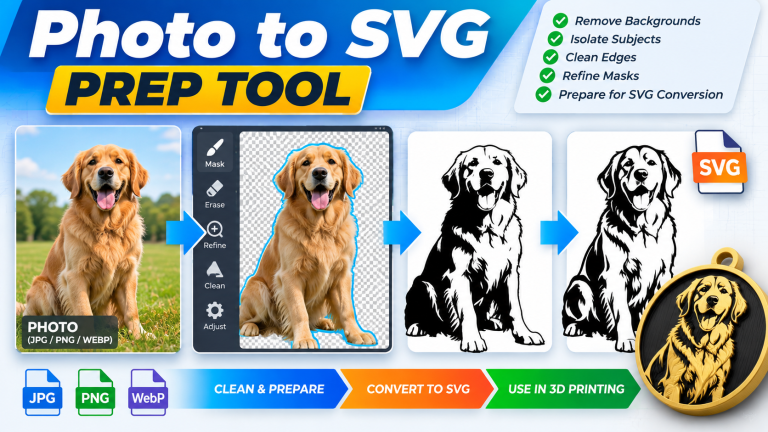
Photo to SVG Prep Tool
Clean up photos before SVG conversion. Isolate your subject, refine masks and edges, remove unwanted areas, and prepare…
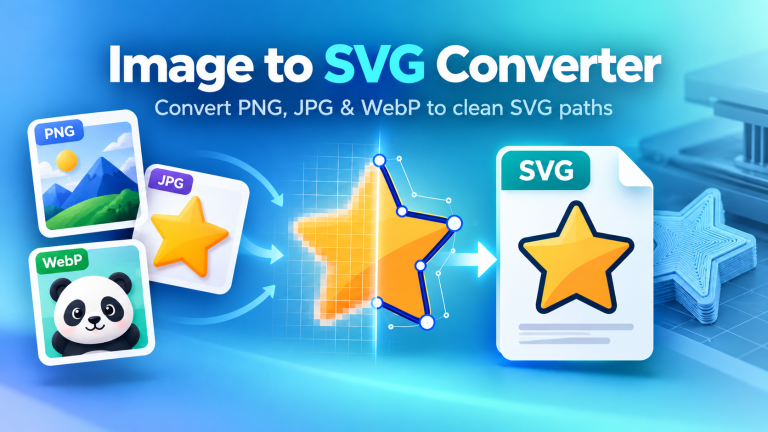
Image to SVG Converter
Convert Images to Clean SVG Vector Files Turn your PNG, JPG, JPEG, or WebP artwork into a clean,…
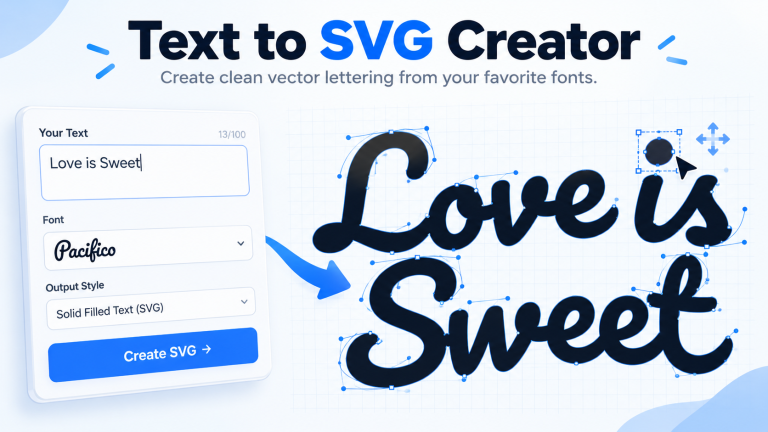
Text to SVG Creator
Turn typed text into clean SVG vector artwork with the STLPlayground Text to SVG Creator. Choose from a…